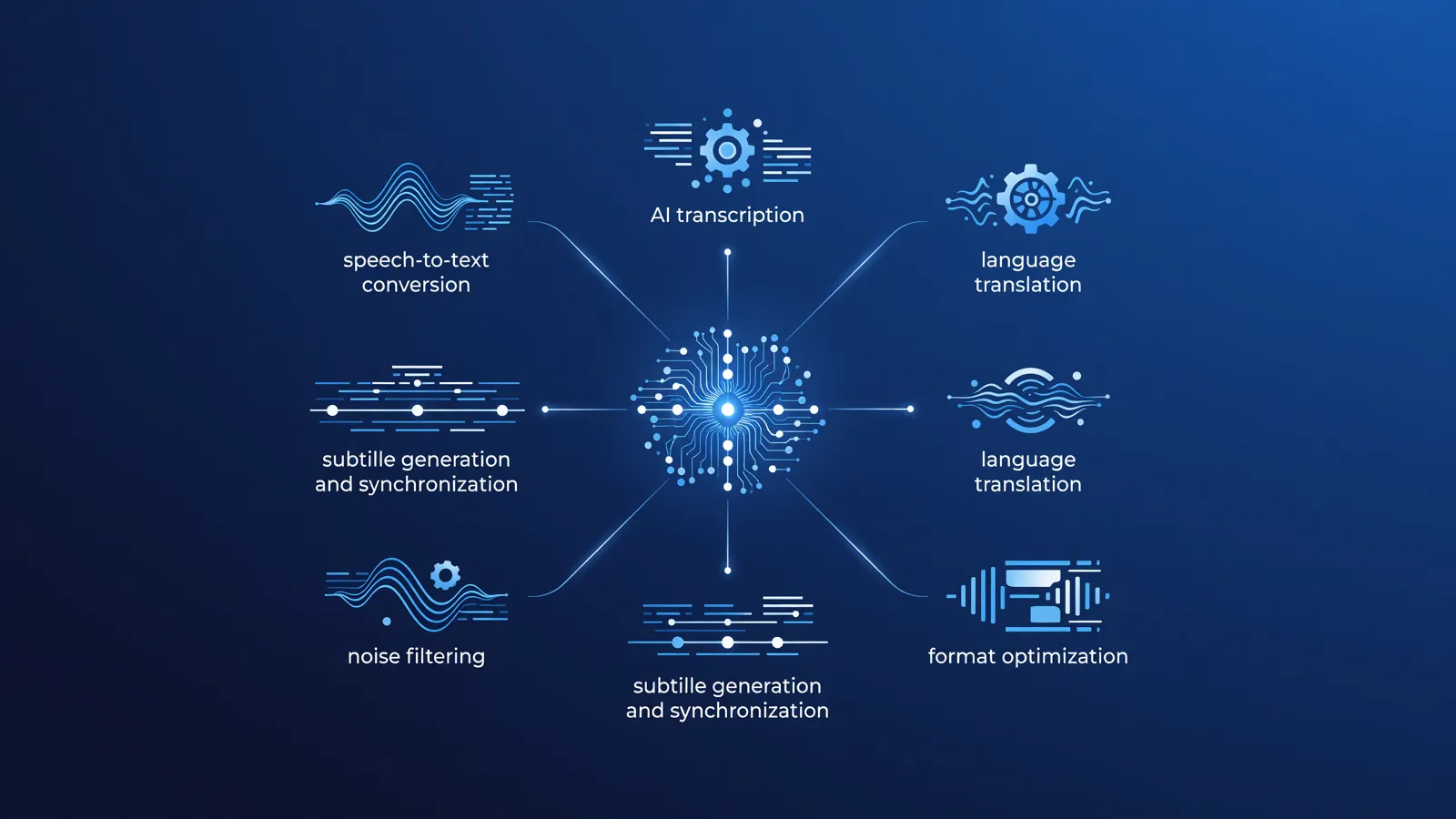
The rise of advanced speech recognition technology (Automatic Speech Recognition or ASR) has drastically changed the conversion of audio to text. Where transcription was previously a time-consuming, manual process, today's AI models deliver transcribed texts and subtitles incredibly fast and with high accuracy. For professionals in media, science, marketing, and business, a good AI transcription tool has now become indispensable.
This article provides a structured overview of the current market for AI transcription and subtitling. Since no single tool is perfect for every conceivable use case, we have divided the applications into three clear main categories. Are you looking for a more fundamental explanation of how language and audio models work? Then read our basic documentation first at gids.llmnet.nl.
Why use AI for speech-to-text?
AI transcription tools utilize deep learning, where massive datasets of spoken language and their corresponding text have been analyzed. This allows these systems to not only recognize words but also understand context. This results in more accurate punctuation and a better understanding of homophones (words that sound the same but have different meanings, such as 'lead' and 'led').
The three main reasons to switch to AI-driven transcription are:
- Speed: An hour of audio can often be processed in just a few minutes.
- Cost savings: Automated transcription is significantly cheaper than traditional, manual transcription services.
- Accessibility: Generating SRT or VTT files for video content increases reach and improves search engine visibility (SEO).
Category 1: Local and Open-Source Tools
For organizations and professionals working with sensitive data, such as medical professionals or investigative journalists, data sovereignty is crucial. Local AI tools run entirely on your own hardware (such as a laptop or desktop with a powerful GPU or modern processor). No data is sent to the cloud, making these solutions inherently privacy-friendly. Also, check out our full overview in the audio analysis category for related local software.
OpenAI Whisper (Core model)
Whisper is the foundational open-source speech recognition model from OpenAI. It is trained on hundreds of thousands of hours of multilingual audio and delivers unprecedented accuracy, including in Dutch. Whisper is run locally via the command line or Python. The model comes in various sizes (from tiny to large). A rule of thumb is that the large model makes the fewest errors, but this does require a powerful graphics card with sufficient VRAM.
WhisperX
A well-known limitation of the original Whisper model is the lack of standard diarization (recognizing different speakers, i.e., who says what and when). WhisperX is a popular open-source extension that combines Whisper with specialized audio models. The result is an accurate transcript where each paragraph is assigned to a specific speaker (for example, Speaker A and Speaker B). This makes it ideal for transcribing interviews or meetings.
MacWhisper
For users of Apple hardware (MacBooks with M1/M2/M3 chips), MacWhisper is a very accessible option. It is a graphical interface built on top of the Whisper model, optimized for Apple's CoreML architecture. This makes the transcription process run very efficiently on a laptop's battery, without requiring technical knowledge of the command line.
Category 2: Cloud-Based SaaS Solutions
For users who do not own powerful hardware, or for teams that need to collaborate on transcriptions, cloud-based SaaS (Software as a Service) platforms are the best choice. These tools process the audio on external servers and offer comprehensive web interfaces to edit the resulting text.
Descript
Descript takes an innovative approach: editing audio and video works just like editing a text document in Word. You upload a file, Descript generates the transcript, and when you delete a word in the text, the software automatically cuts that word from the audio or video stream. This platform is particularly popular among podcasters due to its feature that removes filler words like 'ums' and stutters with a single click.
Sonix.ai
Sonix focuses heavily on the professional and B2B market. The platform excels with its in-browser text editor. Every word in the transcript is linked to a timestamp; if you click on a word, the audio plays from exactly that point. Sonix offers robust multilingual support (including excellent Dutch), translation features, and the ability to create a custom dictionary for industry-specific jargon.
Happy Scribe
Happy Scribe uses a hybrid model. Users can choose pure AI transcription, which is lightning-fast and inexpensive. However, for projects that require 100% accuracy (for example, for formal publications or broadcasts), the platform offers a built-in option to have the generated document reviewed by a human professional (human-in-the-loop). This platform is very strong in exporting to various subtitle formats.
Category 3: Specific Video Tools and Auto-Captions
In the world of social media (TikTok, Instagram Reels, YouTube Shorts), subtitling is not just an addition, but the standard. Tools in this category do not focus on transcribing text documents, but directly on generating dynamic, visually appealing subtitles. You can find more solutions for video creators on our page about video AI tools.
CapCut (Desktop & Mobile)
Although CapCut is primarily a video editor, it features a very powerful and popular auto-caption function. It recognizes speech, converts it to text, and animates the words in sync with the speaker. The system recognizes the Dutch language surprisingly well and offers extensive styling options to give the subtitles a modern, 'snappy' look.
Veed.io
Veed is a browser-based video editor that focuses heavily on marketing teams and content creators. The AI subtitling feature is robust and supports automatic translations. Unlike local software, Veed only requires a web browser. Users can upload their own fonts and brand colors to keep the subtitles in line with their brand identity (brand kit).
Considerations and Comparison
When choosing a transcription tool, it is important to weigh privacy, workflow, and budget against each other. The table below provides a clear comparison framework.
| Category / Tool | Best Use Case | Data Privacy | Workflow & Interface |
|---|---|---|---|
| Open-Source (Whisper) | Sensitive data, bulk processing, developers | Local (Very high) | Command line / Python (Technical) |
| SaaS (Descript, Sonix) | Podcasts, B2B teams, quick corrections | Cloud (Vendor dependent) | In-browser or desktop app (User-friendly) |
| Social Video (CapCut, Veed) | Short videos, reels, social media content | Cloud | Timeline editor (Visually oriented) |
Pay attention to file requirements: Cloud-based services often impose strict limits on file size or duration per upload (for example, a maximum of 2 GB or 2 hours per audio file). Local solutions do not have these hard restrictions, but they are limited by the amount of system memory (RAM/VRAM) of the computer.
Accuracy, corrections, and rules of thumb
How accurate are AI transcriptions really? Despite the marketing claims of many vendors promising '99% accuracy', the reality is more nuanced. The quality of the output is directly dependent on the input.
A rule of thumb is that audio recorded in a quiet room, with a professional microphone and without overlapping speakers, is converted almost flawlessly by models like Whisper. However, as soon as there is significant background noise, echo, heavy dialects, or people talking over each other, the usability of the raw text drops significantly. This, however, applies to a lesser extent to AI compared to older software; AI 'guesses' missing words based on context much better.
Always factor in a review phase when planning a project's timeline. A rough estimate is that manually checking and correcting a well-generated, automated transcript of one hour of audio still takes 15 to 20 minutes. With poor audio quality or a lot of technical jargon, this can increase to up to half the duration of the original audio in terms of time.
Conclusion
The market for transcription and subtitling has been fundamentally democratized by AI. Whether you choose MacWhisper for local, secure processing, use Descript for smooth podcast editing, or use CapCut for viral social media videos; a mature application is available for every need. It remains essential to critically check the output and align the chosen tool with your requirements regarding data privacy and hardware capacity.